How to Choose the Right Sage Cloud Hosting Solution
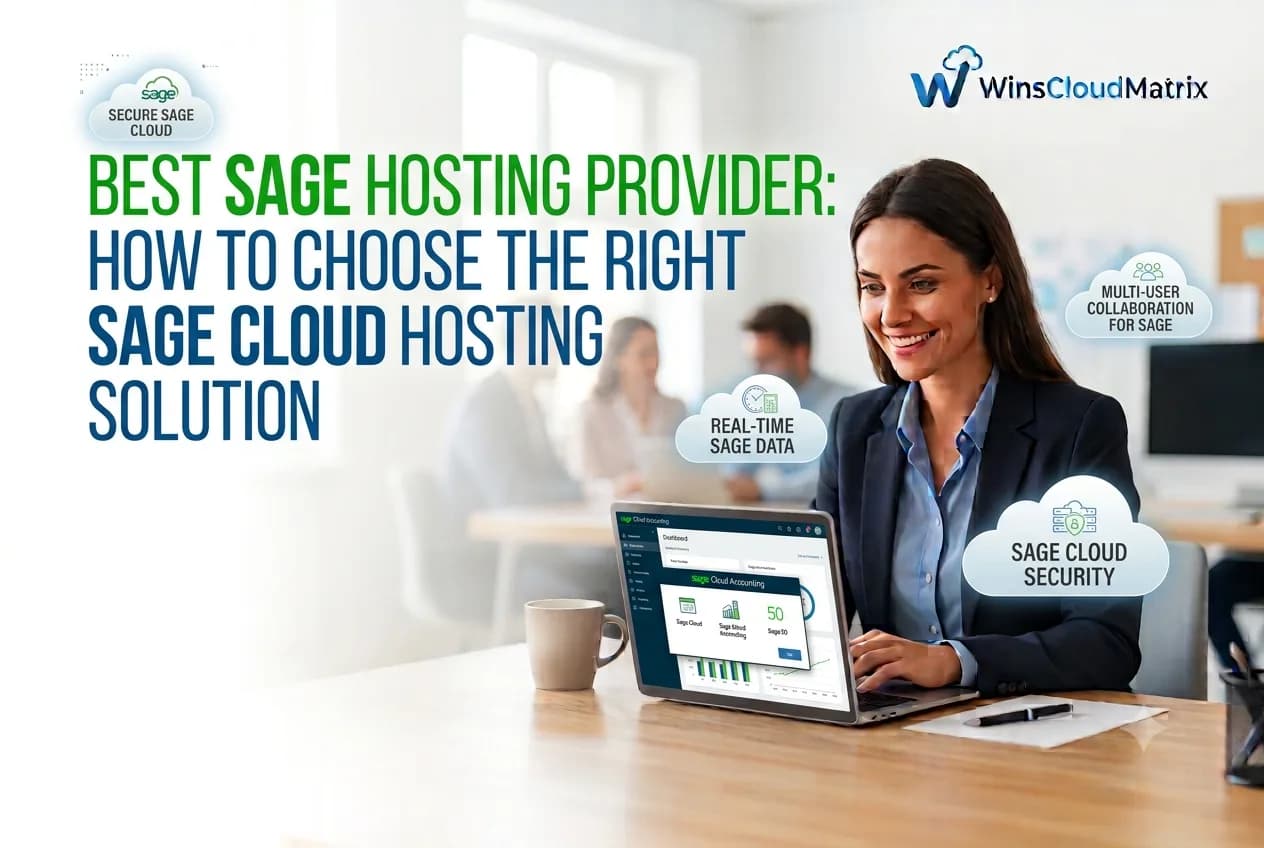
Best Sage Hosting Provider
Businesses rely on accounting software to manage financial records, track expenses, generate reports, and handle daily operations. For companies using Sage accounting software, having reliable access to their applications is important for maintaining smooth business workflows.
As more businesses adopt remote and hybrid work, Sage Hosting has become a practical option for accessing Sage software through a cloud-based environment.
A reliable Sage hosting provider can help businesses access supported Sage applications remotely, work with accounting data, and support teams operating from different locations.
But with different hosting providers available, how do you choose the right one?
In this guide, we will explain what Sage hosting is, its benefits, the features to look for in a hosting provider, and how to select a solution that fits your business requirements.
What Is Sage Hosting?
Sage Hosting is a service that allows businesses to run supported Sage accounting and business management software on a remote server instead of relying entirely on a local computer.
The hosting provider manages the server environment, while authorized users connect to the hosted application through a supported remote access method.
With Sage cloud hosting, businesses can access their applications from different locations using compatible devices and an internet connection.
This setup can be useful for accounting firms, small businesses, and organizations that want to continue using supported Sage desktop applications while providing remote access to their teams.
What Is a Sage Hosting Provider?
A Sage Hosting Provider is a company that provides the infrastructure and services required to host supported Sage applications in a remote environment.
Depending on the hosting plan, these services may include:
- Hosting infrastructure for Sage applications
- Remote access to hosted software
- User account and permission management
- Data backup and recovery options
- Technical support
- Server maintenance and monitoring
The exact services vary by provider, so businesses should review the available features before selecting a hosting solution.
Why Do Businesses Need Sage Cloud Hosting?
Businesses often need accounting software that supports their daily financial operations while allowing employees to work from different locations.
Sage cloud hosting can provide a flexible working environment for organizations that want remote access to supported Sage applications.
Here are some common reasons businesses consider Sage hosting.
1. Remote Access to Sage Software
With Sage hosting, authorized users can access their hosted applications from different locations.
This can help employees work from home, manage accounting tasks while traveling, or access business software without being physically present in the office.
Remote access can be especially useful for businesses with distributed teams.
2. Flexible Working Environment
A hosted Sage environment can support businesses that operate through remote or hybrid working arrangements.
Employees can access supported applications through a remote connection, helping businesses maintain their existing accounting workflows across different locations.
3. Centralized Application Access
Sage hosting allows businesses to run supported applications in a centralized hosting environment.
This can help organizations manage application access and user permissions from a common setup rather than relying entirely on individual office computers.
The exact setup depends on the hosting provider and software requirements.
4. Support for Accounting Teams
Accounting teams often work with financial reports, invoices, expenses, and other business records.
A hosted Sage environment can help authorized employees access the software they need while working remotely.
This can support collaboration between accounting professionals and other team members, depending on the software edition and configuration.
5. Continued Use of Sage Desktop Applications
Some businesses prefer desktop-based Sage applications because of their existing workflows and familiarity with the software.
Sage hosting can allow businesses to continue using supported desktop applications in a hosted environment instead of immediately changing their accounting software.
Before selecting a provider, confirm that your Sage version is compatible with the hosting environment.
Types of Sage Hosting Solutions
Different businesses use different Sage products depending on their accounting and operational requirements.
A hosting provider may support multiple Sage applications, but availability depends on the provider’s plans and software compatibility.
Sage 50 Hosting
Sage 50 Hosting allows businesses to access supported Sage 50 accounting software through a hosted environment.
It can be useful for small and medium-sized businesses that want remote access to their accounting applications.
Businesses should confirm the supported Sage 50 version, user capacity, and software licensing requirements before choosing a hosting plan.
Sage 100 Hosting
Sage 100 Hosting provides a hosted environment for businesses using supported Sage 100 applications.
Organizations can explore this option when they need remote access to their accounting or business management software.
Before migrating, businesses should verify compatibility with their Sage 100 edition, database requirements, and any connected applications.
Sage 300 Hosting
Sage 300 is used by businesses for accounting and business management tasks.
A hosted environment may provide remote access to supported Sage 300 applications, depending on the hosting provider’s infrastructure and compatibility requirements.
Businesses should confirm whether their specific Sage 300 version and integrations are supported.
Sage 500 Hosting
Businesses using supported Sage 500 applications may consider a hosting environment to provide remote access to their software.
Before choosing a provider, it is important to review application compatibility, database requirements, user capacity, and migration needs.
Best Sage Hosting Provider: Features to Look For
Choosing the right Sage hosting provider requires evaluating more than just the monthly price.
Businesses should consider the provider’s infrastructure, security practices, application compatibility, technical support, and overall service quality.
Here are some important features to review.
1. Reliable Hosting Infrastructure
A suitable hosting environment should be capable of supporting your Sage application’s performance and resource requirements.
Before selecting a provider, ask about:
- Server resources and performance monitoring
- Uptime commitments
- Infrastructure management
- Network reliability
- Processes for handling technical issues
The right configuration depends on your application, number of users, and business workload.
2. Data Security and Access Controls
Accounting software contains sensitive financial and business information.
A hosting provider should clearly explain how it protects hosted applications and data.
Important security features to review include:
- User authentication and access controls
- Data encryption during transmission and storage, where applicable
- Permission management
- Security monitoring
- Backup and recovery policies
Businesses should also understand their own responsibilities for protecting user accounts and sensitive information.
3. Data Backup and Recovery
Data loss can disrupt accounting operations and affect business continuity.
Before selecting a Sage hosting provider, ask about its backup and recovery procedures.
Important questions include:
- How frequently are backups created?
- How long are backups retained?
- How can data be restored?
- Are recovery options included in the hosting plan?
- Can businesses export their data if they leave the service?
A clear backup policy can help businesses understand how their data is protected and recovered.
4. Sage Software Compatibility
Not every hosting provider supports every Sage application or version.
Before choosing a plan, confirm that the provider supports your specific Sage software and any related applications.
You should also check compatibility with:
- Your Sage edition and version
- Database requirements
- Third-party integrations
- Printers and connected devices, if needed
- Existing accounting workflows
Verifying compatibility before migration can help prevent unnecessary disruption.
5. Multi-User Access
Many businesses need multiple employees to access Sage software.
A hosting provider should explain how many users are supported and whether simultaneous access is available for your application.
Ask about user limits, additional user charges, permissions, and licensing requirements before selecting a plan.
6. Technical Support
Technical support is an important consideration when hosting business-critical accounting applications.
Look for a provider that clearly explains its support availability, communication channels, and issue-resolution process.
If your business operates outside standard office hours, check whether support is available when your team needs it.
7. Transparent Pricing
Sage hosting costs can vary depending on the software, number of users, server resources, and additional services.
A provider should clearly explain what is included in its pricing.
Review the following before making a decision:
- Monthly hosting charges
- Software licensing costs
- Additional user fees
- Setup and migration charges
- Backup and support services
- Contract and cancellation terms
Comparing the total cost can help businesses make a more informed decision.
Sage Hosting vs. Traditional Desktop Hosting
Businesses using Sage desktop software may choose to run it locally or access it through a hosted environment.
Here is a basic comparison:
| Feature | Traditional Desktop Setup | Sage Hosting |
|---|---|---|
| Software location | Local computer or office infrastructure | Remote hosting environment |
| Remote access | May require additional configuration | Available through a supported remote connection |
| Infrastructure management | Managed by the business or its IT team | Hosting infrastructure managed by the provider |
| User access | Depends on local setup | Depends on hosting plan and configuration |
| Backup responsibility | Managed through the business’s backup process | Depends on the provider’s backup services and business responsibilities |
| Monthly cost | Hardware, maintenance, and software expenses | Hosting fees plus applicable software costs |
The right option depends on your business’s infrastructure, remote access needs, software requirements, and budget.
How to Choose the Right Sage Hosting Provider
Selecting a hosting provider starts with understanding your business requirements.
Use this checklist to compare available options.
Step 1: Identify Your Sage Software
Determine which Sage application and version your business currently uses.
Confirm that the provider supports your specific software and related applications.
Step 2: Estimate the Number of Users
Calculate how many employees need access to Sage and whether they need to work simultaneously.
Ask the provider about supported users, additional charges, and licensing requirements.
Step 3: Review Security and Backup Policies
Ask the provider how it protects hosted data and handles backups.
Review its security documentation and understand how your business can access or recover its data if necessary.
Step 4: Compare Hosting Plans
Compare pricing, server resources, support services, backup options, and contract terms.
Make sure you understand the full cost before committing to a hosting plan.
Step 5: Check Migration Support
Moving Sage software to a hosted environment may involve transferring company data, configuring users, and checking application compatibility.
Ask whether the provider offers migration assistance and what steps are included.
Always create a verified backup of your data before migration.
Step 6: Evaluate Support Services
Confirm how to contact technical support and what response times are offered.
Choose a support arrangement that fits your business hours and operational requirements.
Why Consider Winscloud Matrix for Sage Hosting?
Winscloud Matrix provides cloud hosting solutions for businesses that need remote access to accounting and business applications.
Businesses using Sage software can explore the following hosting options:
- Sage 50 Hosting: For businesses using supported Sage 50 accounting software.
- Sage 100 Hosting: For organizations using supported Sage 100 applications.
When evaluating a hosting solution, businesses should review software compatibility, available plans, security practices, user requirements, and support options.
You can explore the available Sage hosting services from Winscloud Matrix and discuss your business requirements before selecting a suitable plan.
Frequently Asked Questions
1. What is the best Sage hosting provider?
The right Sage hosting provider depends on your software version, number of users, security requirements, budget, and support needs. Compare available services and confirm compatibility before choosing a provider.
2. What is Sage cloud hosting?
Sage cloud hosting allows businesses to run supported Sage applications in a remote hosting environment and access them through a supported remote connection.
3. Is Sage hosting suitable for small businesses?
Sage hosting can be suitable for small businesses that need remote access to supported Sage applications. The right solution depends on software compatibility, user requirements, and budget.
4. Can I access Sage software remotely?
Yes. A hosted Sage environment can allow authorized users to access supported Sage applications remotely through a compatible connection.
5. What is the difference between Sage 50 Hosting and Sage 100 Hosting?
Sage 50 Hosting is designed for supported Sage 50 accounting software, while Sage 100 Hosting is intended for supported Sage 100 applications. Their features, requirements, and hosting configurations can differ.
6. How much does Sage hosting cost?
Sage hosting costs depend on the provider, software edition, number of users, server resources, and additional services. Request a detailed quote to understand the total cost.
7. Is Sage hosting secure?
Security depends on the hosting provider’s infrastructure, access controls, encryption, backup practices, and the business’s own security procedures. Review the provider’s security policies before hosting sensitive financial data.
8. Can multiple users access Sage through hosting?
Multiple users may be able to access hosted Sage software, depending on the application, licensing, hosting configuration, and user permissions. Confirm the provider’s supported user capacity before signing up.
9. Can I migrate my existing Sage data to a hosting provider?
In many cases, existing Sage data can be migrated to a compatible hosted environment. The process depends on the Sage version, database requirements, and provider’s migration procedures. Always create a verified backup before migration.
10. What should I check before choosing a Sage hosting provider?
Review software compatibility, user capacity, security practices, backup policies, support availability, pricing, migration assistance, and contract terms before selecting a provider.
Final Thoughts
Choosing the right Sage hosting provider can help businesses access their accounting applications remotely and support flexible working arrangements.
Before selecting a provider, evaluate software compatibility, security, backup policies, user requirements, technical support, and overall cost.
Whether you use Sage 50, Sage 100, or another supported Sage application, the right hosting environment should fit your business’s accounting workflows and operational needs.
If your business is exploring remote access to Sage accounting software, visit Winscloud Matrix Sage 50 Hosting or Sage 100 Hosting to learn more about the available options.
Read Also:- How Much Does QuickBooks Cloud Hosting Cost in 2026?