UltraTax CS Cloud Hosting: Features, Pricing & Setup Guide for Tax Firms
For certified public accountants, multi-partner accounting practices, and premier tax advisory firms across the United States, Thomson Reuters UltraTax CS is the undisputed gold standard for professional tax preparation. Engineered specifically for complex individual (Form 1040), corporate (Forms 1120 and 1120-S), partnership (Form 1065), and fiduciary returns, UltraTax CS delivers unparalleled calculation depth, multi-state apportionment, and rich integration with the Thomson Reuters CS Professional Suite.
However, UltraTax CS and its companion tools like FileCabinet CS and Practice CS are notoriously resource-intensive. Running UltraTax on local office workstations or shared peer-to-peer network servers frequently leads to agonizing system freezes, database indexing delays, and multi-user file lockouts during peak filing crunch periods. Furthermore, traditional on-premise office setups prevent CPAs from reviewing returns and filing extensions securely while working remotely or traveling.
To eliminate local hardware bottlenecks and provide seamless remote access for distributed tax teams, forward-thinking American CPA firms are moving to dedicated UltraTax hosting. In this complete guide, we examine how UltraTax CS cloud hosting works, its security advantages, 2026 pricing models, and how to scale your practice ahead of the upcoming tax season.
What Is UltraTax CS Cloud Hosting?
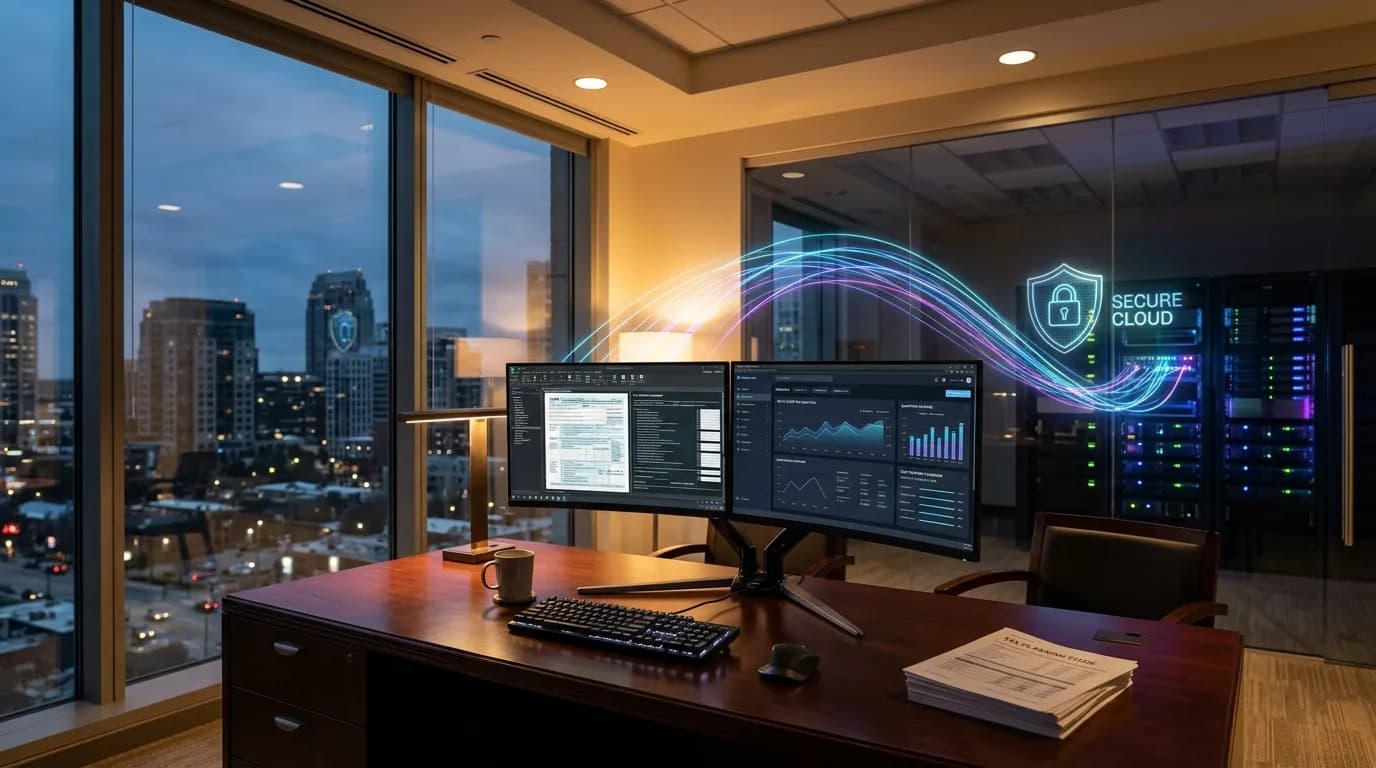
UltraTax CS cloud hosting involves installing your licensed desktop copy of Thomson Reuters UltraTax CS along with your client return databases onto high-performance dedicated servers housed in secure, enterprise-grade US data centers.
Instead of relying on local PC processors or slow office network shared drives, your preparers connect through an encrypted remote desktop hosting environment. Whether preparers are working from home, senior partners are reviewing drafts while traveling, or seasonal tax contractors are assisting across multiple states, everyone operates within the exact same real-time, high-speed tax environment.
Key Operational Capabilities:
- 100% Desktop Functionality: Retain full access to all UltraTax diagnostic checks, custom client organizers, trial balance integrations, and calculation toolsets.
- Simultaneous Multi-User Preparation: Allow multiple preparers, reviewers, and partners to prepare and review returns concurrently without database lockouts or indexing slowdowns.
- Automated Redundant Backups: Nightly automated snapshots protect critical taxpayer databases and prior-year archives against accidental deletion or local hardware failure.
- Zero Local Hardware Strain: Offload resource-intensive tax calculations and database indexing to high-speed NVMe server infrastructure, eliminating workstation freezing.
Tired of UltraTax CS Freezing or Slow Network Database Access?
Switch to Winscloud Matrix dedicated high-speed cloud hosting for zero database lag, automated daily offsite backups, and 24/7 dedicated US tax season phone support.
Start Your 15-Day Free Trial
Direct Phone: +1 (714) 882-1244
Key Benefits of Cloud Hosting for Thomson Reuters UltraTax CS
Migrating UltraTax to an optimized cloud server environment delivers significant operational advantages during intense tax preparation windows:
1. High-Performance Dedicated NVMe Resources
UltraTax calculation diagnostics and multi-tier tax computations demand rapid disk read and write speeds. On shared office networks, opening large consolidated corporate returns can cause frustrating delays. Dedicated cloud hosting provides enterprise NVMe SSD storage and dedicated RAM, allowing complex multi-state returns and diagnostics to generate in seconds.
2. IRS Compliance and Bank-Grade Data Security
The IRS requires all tax professionals and CPA firms to maintain a written Information Security Plan (WISP) under FTC Safeguards regulations. Storing client Social Security numbers, bank details, and financial statements on office laptops exposes firms to significant regulatory liability. Partnering with a dedicated cloud hosting provider ensures your records are protected by 256-bit encryption, multi-layered enterprise firewalls, intrusion detection, and multi-factor authentication (MFA).
3. Seamless Thomson Reuters CS Suite Integration
CPA firms rarely use UltraTax in isolation. In your dedicated virtual desktop, you can host UltraTax CS alongside FileCabinet CS, Practice CS, Workpapers CS, QuickBooks Hosting, Microsoft Excel, and Adobe Acrobat under one unified login.
4. Stress-Free Tax Season Scalability
Many tax practices hire seasonal preparers or outsource return preparation during February through April. Cloud hosting allows you to add or remove user seats on demand, complete with custom access rights, without buying new computers or reconfiguring office network cabling.
UltraTax CS Cloud Hosting vs. Local Network Workstation
Here is how dedicated cloud hosting compares directly against traditional on-premise office setups:
| Comparison Factor | Winscloud Matrix UltraTax Hosting | Local Office Network Setup |
|---|---|---|
| Remote Access Mobility | Full, high-speed access from any device anywhere in the world | Tethered to office PCs or slow, unstable office VPN connections |
| Database Reliability | Dedicated virtual environment eliminates peer-to-peer data locks | Frequent database index errors when multiple preparers open files |
| Disaster Protection | Automated daily offsite backups with rapid disaster recovery | Vulnerable to local hardware crashes, power cuts, and ransomware |
| Uptime Guarantee | 99.99% financially backed service level agreement (SLA) | No SLA; reliant on local internet and individual PC health |
| Support Availability | 24/7/365 direct US phone and chat assistance (+1 714-882-1244) | Requires costly outsourced IT technicians or internal IT staff |
How Much Does UltraTax CS Cloud Hosting Cost in 2026?
Pricing for UltraTax CS hosting follows a predictable per-user, per-month subscription structure. Across the US hosting market, pricing typically ranges between:
- Standard Cloud Hosting: to per user per month.
- Dedicated High-Performance Server Hosting: to per user per month.
Factors Affecting Your Final Custom Quote:
- Active User Seats: Volume discounts apply for practices with 5, 10, 20, or more preparers and reviewers.
- Integrated Software Stack: Running companion programs such as FileCabinet CS, Practice CS, QuickBooks Enterprise, or Microsoft Office.
- Storage Capacity: Scaling high-speed NVMe storage to accommodate multi-year return archives and document attachments.
Step-by-Step Setup and Migration Process
Transitioning your tax practice to Winscloud Matrix is seamless, secure, and completed with zero downtime:
- Needs Assessment: Our cloud engineers evaluate your firm user count, Thomson Reuters software versions, and connected document archives.
- Server Environment Provisioning: We set up a private, high-speed virtual desktop server configured with dedicated RAM and SSD storage.
- Software Installation: We install your licensed UltraTax CS software and configure multi-user networking settings.
- Encrypted Data Migration: We securely transfer your client tax database, custom print options, and prior-year files.
- Testing & Go-Live: We map local office printers, configure user access credentials, and complete the rollout in just 2 to 4 hours.
Frequently Asked Questions (FAQs)
Can multiple preparers work in UltraTax CS simultaneously?
Yes. With multi-user UltraTax CS cloud hosting on Winscloud Matrix, authorized preparers, reviewers, and partners can concurrently prepare returns, review diagnostics, and process e-filings without encountering database locks.
Do we keep our existing Thomson Reuters license?
Yes. Cloud hosting operates on a Bring Your Own License (BYOL) model. You purchase your software license directly from Thomson Reuters, and we provide the dedicated, secure cloud infrastructure to host and manage it.
Can we print client tax returns directly to our local office printer?
Yes. Our enterprise remote desktop environment includes universal local printer redirection. You can print client return copies, K-1s, and filing receipts directly to your local office printer with a single click.
Is taxpayer financial and Social Security data safe in the cloud?
Yes. Data stored on Winscloud Matrix is secured using 256-bit encryption in transit and at rest, automated security patching, multi-tier firewalls, and daily offsite backups, providing far greater protection than physical desktop computers.
Can we host FileCabinet CS and QuickBooks alongside UltraTax CS?
Yes. You can run UltraTax CS, FileCabinet CS, Practice CS, QuickBooks Desktop, Microsoft Excel, and other accounting software on the exact same cloud server desktop for seamless financial workflows.
Ready to Elevate Your Tax Practice to the Cloud?
Experience seamless remote tax preparation, automated backups, and 24/7 dedicated support with Winscloud Matrix.
Direct Phone: +1 (714) 882-1244 | Email: [email protected]