
Best QuickBooks Hosting for Accounting Firms
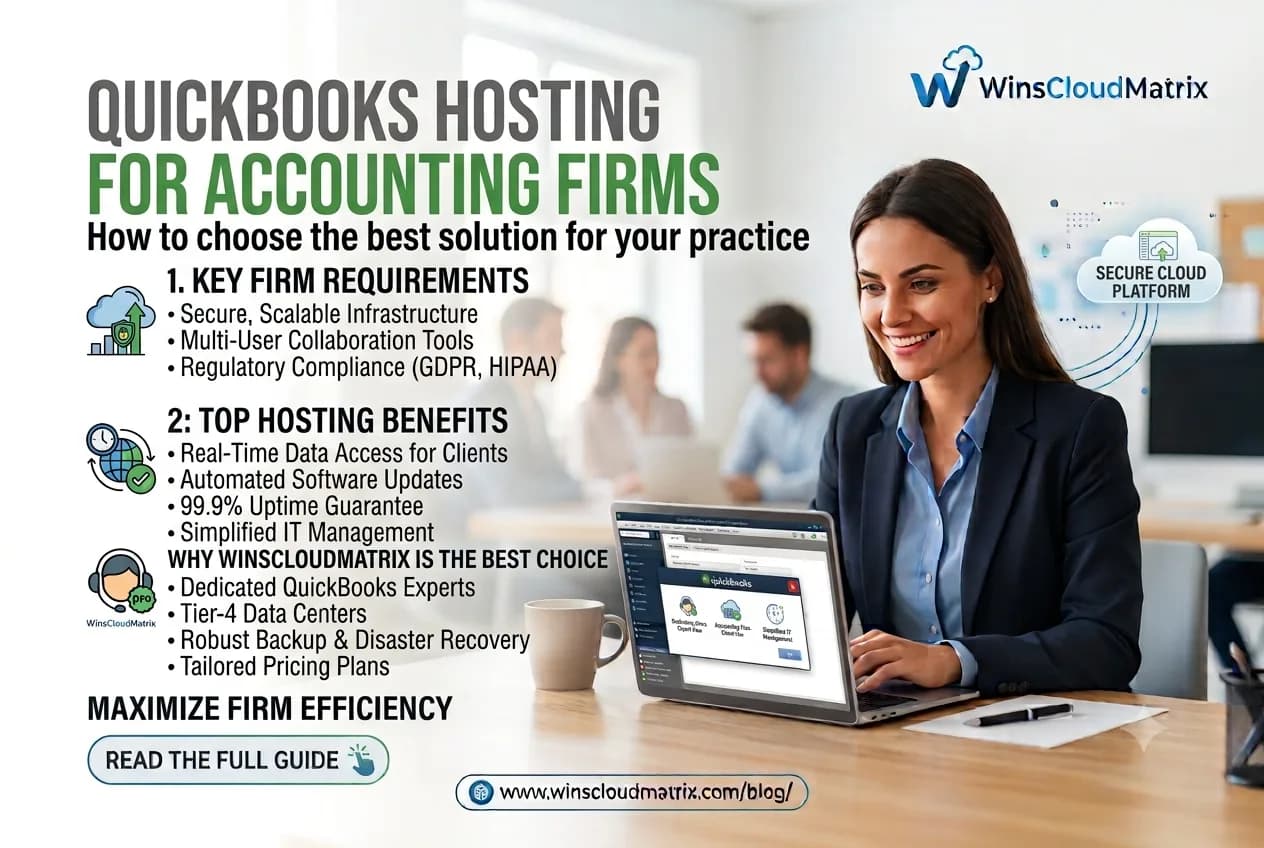
Accounting firms need reliable access to financial data, especially when accountants and bookkeepers work with clients from different locations. Traditional desktop setups can make remote collaboration more difficult because QuickBooks files are often stored on individual computers or office servers.
QuickBooks Hosting provides a way for accounting firms to access QuickBooks Desktop applications through a hosted cloud environment. Authorized users can connect remotely and work with their accounting files without being tied to a single office computer.
Choosing the right QuickBooks hosting provider requires more than looking at price. Accounting firms should also consider security, accessibility, user management, technical support, performance, backups, and compatibility.
This guide explains what accounting firms should look for when choosing QuickBooks hosting.
What Is QuickBooks Hosting?
QuickBooks Hosting is a service where QuickBooks Desktop software and company files are hosted on remote servers. Instead of keeping the complete working environment on a local computer, users connect to the hosted environment through an internet connection.
Once connected, authorized users can work with QuickBooks from different locations.
This can be useful for:
- CPA firms
- Accounting firms
- Bookkeeping companies
- Tax professionals
- Small businesses
- Remote accounting teams
For firms with employees working from home or multiple offices, hosted QuickBooks can provide a centralized working environment.
Why Accounting Firms Use QuickBooks Hosting
Accounting firms often handle multiple clients and need flexible access to financial information. Working remotely can become challenging when files are stored on office computers.
QuickBooks hosting can help firms create a more flexible workflow.
Work From Anywhere
Accountants and bookkeepers can access their hosted QuickBooks environment from different locations, provided they have an internet connection and authorized access.
This can make it easier to work from:
- Home
- Office
- Client locations
- Another branch
- While traveling
Support Remote Teams
Many accounting firms have employees working from different locations. A hosted environment allows authorized users to access the same working environment without requiring everyone to be physically present in one office.
Centralized Access
Keeping QuickBooks applications and company files in a centralized environment can make file management easier. Team members can work from the same hosted environment rather than maintaining separate copies on multiple computers.
Reduce File Transfer
Sending QuickBooks company files between employees can create unnecessary steps and increase the possibility of working with an outdated version.
A centralized hosting environment can help reduce the need to regularly transfer accounting files between computers.
What Makes a Good QuickBooks Hosting Provider?
There are several factors accounting firms should evaluate before selecting a provider.
1. Security
Accounting firms work with sensitive financial information. Security should therefore be an important part of the hosting decision.
Ask the provider about:
- User access controls
- Data protection
- Authentication options
- Server security
- Backup procedures
- Monitoring
- Data recovery processes
The exact security features can vary between providers, so firms should review the provider’s policies before making a decision.
2. Reliable Remote Access
Accountants need consistent access to their applications and files during working hours.
A hosting provider should offer a stable remote access environment that supports the firm’s users and workflow.
3. QuickBooks Compatibility
Before moving to a hosted environment, confirm that the provider supports the QuickBooks Desktop version and edition your firm uses.
This is particularly important for firms working with different QuickBooks products or client requirements.
4. User Management
Accounting firms may have accountants, bookkeepers, managers, and administrators who need different levels of access.
A good hosting setup should allow appropriate user permissions so employees only receive the access required for their role.
5. Backup and Recovery
Ask how frequently data is backed up and how the provider handles recovery if files are accidentally deleted or affected by a technical problem.
A backup strategy should be clearly understood before moving important accounting data to a hosted environment.
6. Technical Support
Accounting problems often need attention quickly, especially during tax season and other busy periods.
Check the provider’s support availability, response process, and available support channels before signing up.
QuickBooks Hosting for CPA Firms
CPA firms often work with multiple clients and may need access to accounting applications from different locations.
QuickBooks Hosting for CPA Firms Remote Desktop Hosting can support remote workflows by providing authorized team members with access to a centralized QuickBooks environment.
For example, a CPA firm may have:
- Accountants working from home
- Bookkeepers working from the office
- Managers working from another location
- Employees traveling to client offices
A hosted environment can give these users a common platform for accessing QuickBooks, based on their assigned permissions.
QuickBooks Hosting for Bookkeepers
Bookkeepers may manage accounting records for several businesses. Moving between different local computers can make this process inconvenient.
With QuickBooks Hosting for Bookkeepers, the QuickBooks environment can be accessed remotely, making it easier to work with accounting files from different locations.
Before selecting a provider, bookkeepers should confirm that the hosting environment supports their required QuickBooks version, number of users, and client workflow.
QuickBooks Hosting vs. QuickBooks Online
QuickBooks Hosting and QuickBooks Online are not the same thing.
QuickBooks Online is a separate cloud based accounting product that runs through an online environment.
QuickBooks Desktop Hosting allows users to continue using a supported QuickBooks Desktop application through a hosted environment.
This distinction can be important for accounting firms that already use QuickBooks Desktop and want to maintain their existing desktop based workflow while gaining remote access.
How to Choose the Right QuickBooks Hosting Plan
The right hosting plan depends on the firm’s requirements.
Consider the following before selecting a plan:
Number of Users
Determine how many accountants, bookkeepers, managers, and other employees need access.
Applications Required
Check whether you only need QuickBooks or also require access to other accounting, tax, or business applications.
Storage Requirements
Consider the amount of data your firm needs to store and whether the provider offers enough resources for your workflow.
Remote Access Requirements
Identify where your team members will work from and what devices they will use to connect.
Support Requirements
Consider the level of technical support your firm needs, particularly during busy accounting and tax periods.
Pricing
Compare the total cost of hosting, including user charges, setup fees, migration services, and any additional services.
Avoid selecting a provider based only on the lowest monthly price. The features included in each plan can be different.
How Winscloud Matrix Supports QuickBooks Hosting
Winscloud Matrix provides QuickBooks Enterprise Cloud Hosting designed to help businesses and accounting professionals access QuickBooks remotely.
The hosted environment can help accounting teams work with QuickBooks without being restricted to a single physical office computer.
Businesses can review the available hosting options based on their QuickBooks version, number of users, remote access requirements, and business needs.
Security Tips for Accounting Firms Using QuickBooks Hosting
Even with a hosted environment, accounting firms should follow good security practices.
- Use Strong Passwords
Each user should have a strong and unique password. Avoid sharing login credentials between employees.
- Review User Access
Remove access when an employee leaves the firm and regularly review existing user permissions.
- Use Multi Factor Authentication
Where available, enable multi factor authentication for accounts and services that support it.
- Keep Devices Updated
Employees should keep their computers, browsers, and operating systems updated with the latest security fixes.
- Avoid Unsecured Networks
Users should be careful when accessing financial information through public or unsecured Wi-Fi networks.
- Maintain Backup Procedures
Understand how the hosting provider handles backups and recovery, and make sure the firm’s requirements are covered.
Common Questions About QuickBooks Hosting for Accounting Firms
What is the best QuickBooks hosting for accounting firms?
The right QuickBooks hosting solution depends on the firm’s users, QuickBooks version, applications, security requirements, remote access needs, support requirements, and budget. Accounting firms should compare providers based on these factors rather than price alone.
Can accountants access QuickBooks remotely?
Yes. QuickBooks Desktop can be accessed remotely through a suitable remote desktop or hosted environment, depending on the setup and software requirements.
Can multiple accountants use hosted QuickBooks?
Multiple authorized users may be able to access a hosted QuickBooks environment depending on the QuickBooks edition, licensing, hosting plan, and user configuration.
Is QuickBooks hosting suitable for CPA firms?
QuickBooks hosting can be suitable for CPA firms that need remote access to QuickBooks Desktop and want a centralized working environment for authorized users.
How much does QuickBooks hosting cost?
QuickBooks hosting prices vary based on the provider, number of users, QuickBooks edition, resources, and additional services. Accounting firms should compare the complete plan details before choosing a provider.
Is hosted QuickBooks the same as QuickBooks Online?
No. Hosted QuickBooks generally refers to QuickBooks Desktop being accessed through a hosted environment, while QuickBooks Online is a separate cloud-based product.
Final Thoughts
For accounting firms, remote access, centralized workflows, security, and reliable support can make a significant difference in daily accounting operations. QuickBooks Hosting allows firms to continue using QuickBooks Desktop while providing authorized users with remote access to their accounting environment. However, the right provider depends on the firm’s specific requirements. Before choosing a QuickBooks Hosting Provider, compare security practices, QuickBooks compatibility, user management, backups, technical support, remote access, and pricing.
For accounting firms looking for a flexible way to access QuickBooks Desktop, a properly managed hosted environment can provide a practical solution for modern remote accounting workflows.