How to Move Sage 50 to Cloud: Step-by-Step Guide for Businesses
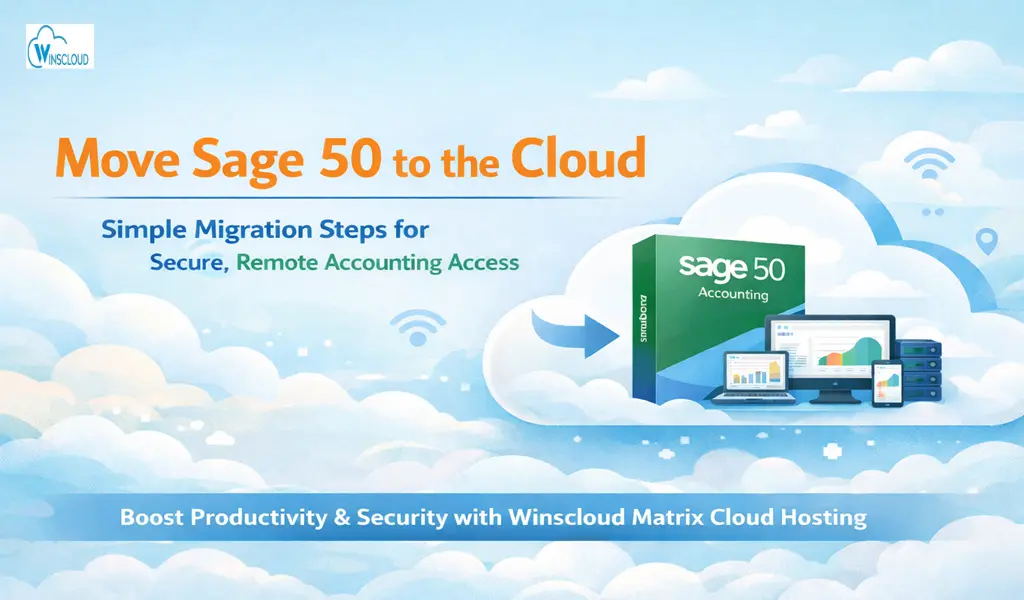
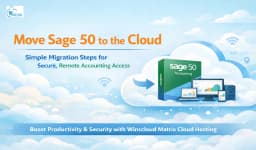
As businesses evolve, the need for flexibility, remote access, and secure data management becomes essential. Traditional desktop-based accounting systems can limit productivity, especially for distributed teams. Moving Sage 50 to the cloud enables businesses to access their financial data anytime, anywhere, while improving collaboration and security. This guide walks you through the process to move Sage 50 to cloud and highlights the advantages of hosting with Winscloud Matrix.
What Does Moving Sage 50 to the Cloud Mean?
Migrating Sage 50 to the cloud means hosting your accounting software and data on a secure remote server instead of a local desktop. Users can access the software via the internet using authorized credentials, eliminating the need for physical installation on multiple systems.
Step-by-Step Process to Move Sage 50 to Cloud
1. Evaluate Your Current Setup
Start by reviewing your existing Sage 50 environment:
- Current version of Sage 50
- Data size and storage requirements
- Number of users accessing the system
- Third-party integrations
This helps determine the right cloud configuration.
2. Choose a Reliable Cloud Hosting Provider
Select a trusted provider that specializes in accounting software hosting to move Sage 50 to cloud. Key factors to consider:
- Security protocols (encryption, firewalls)
- Uptime guarantee
- Data backup and disaster recovery
- Technical support availability
3. Prepare Your Data for Migration
Before moving your data:
- Clean up unnecessary files
- Remove duplicate or outdated entries
- Take a complete backup of your Sage 50 data
This ensures a smooth migration process.
4. Set Up Cloud Server Environment
Your hosting provider will:
- Configure a secure cloud server
- Install Sage 50 on the server
- Allocate resources based on your business needs
5. Migrate Sage 50 Data
Transfer your company files to the cloud server. This is typically done via:
- Secure file transfer protocols
- Direct upload through the hosting provider
After migration, verify data integrity to ensure everything is accurate.
6. Configure User Access
Set up login credentials for authorized users:
- Role-based permissions
- Multi-user access setup
- Remote desktop or browser-based access
7. Test and Go Live
Before full implementation:
- Test all functionalities
- Check integrations and reports
- Ensure performance is stable
Once verified, your cloud-hosted Sage 50 is ready to use.
Benefits of Moving Sage 50 to the Cloud
1. Anywhere, Anytime Access
Benefits of Sage 50 Hosting is access to your accounting data from any device with an internet connection, enabling remote work and real-time collaboration.
2. Enhanced Data Security
Cloud hosting offers advanced security measures such as:
- End-to-end encryption
- Multi-factor authentication
- Regular security updates
3. Automatic Backups
Your data is automatically backed up, reducing the risk of data loss due to system failures or human error.
4. Improved Collaboration
Multiple users can work on the same data simultaneously without version conflicts.
5. Cost Efficiency
Eliminate the need for expensive hardware and IT maintenance. Pay only for the resources you use.
6. Scalability
Easily scale resources up or down based on your business requirements.
Benefits of Hosting Sage 50 with Winscloud Matrix
1. High-Performance Cloud Infrastructure
Winscloud Matrix provides fast and reliable cloud servers optimized for accounting software, ensuring smooth performance.
2. Advanced Security Standards
Your data is protected with enterprise-grade security, including:
- SSL encryption
- Firewalls and intrusion detection
- Regular security monitoring
3. 24/7 Technical Support
A dedicated support team is available round the clock to resolve any issues quickly and efficiently.
4. Seamless Data Migration
Winscloud Matrix ensures a hassle-free migration process with minimal downtime and full data integrity.
5. Flexible Pricing Plans
Choose from customizable plans that fit your business size and budget without unnecessary costs.
6. Multi-User Collaboration
Enable your team to work simultaneously on Sage 50 with secure and controlled access.
7. Regular Backups & Disaster Recovery
Automated backups and recovery solutions ensure your data is always safe and accessible.
Conclusion
Move Sage 50 to cloud is a strategic decision that enhances flexibility, security, and operational efficiency. With a structured migration process and the right Sage 50 hosting provider, businesses can unlock the full potential of cloud accounting. Hosting with Winscloud Matrix further amplifies these benefits by offering reliable infrastructure, expert support, and robust security making it an ideal choice for businesses looking to modernize their accounting systems.